The following use cases are examples of using our Notification Center endpoints in a UI setting with a front-end user.
All of these get user notification examples use this same GET endpoint, but each have a different filter applied.
These GET examples link to the user by the auth token.
Endpoint
A user wants to browse their past notifications without cluttering their view with new ones.
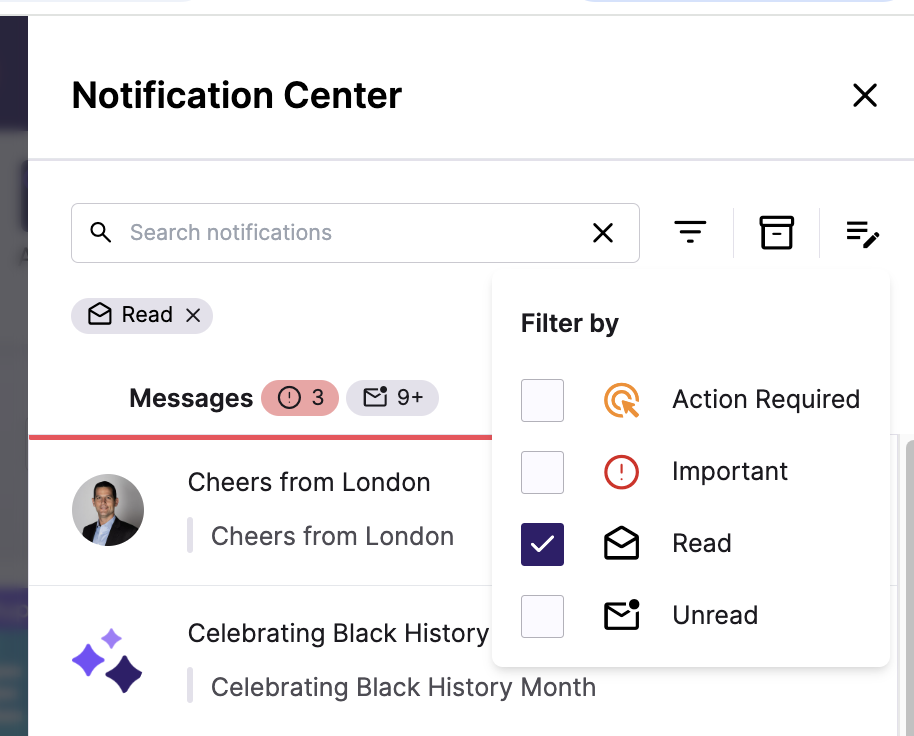
In this example, the UI may have a read / unread check-box to filter their notification list. This endpoint filter allows this.
- Front-End: A “View Read Notifications” button filters out unread ones.
- Back-End: A system logs which notifications users engage with for analytics.
Example Request
`GET /notificationcenter/notifications?filter.read=true`A user only wants to see notifications they haven’t checked yet when selecting their notification icon.
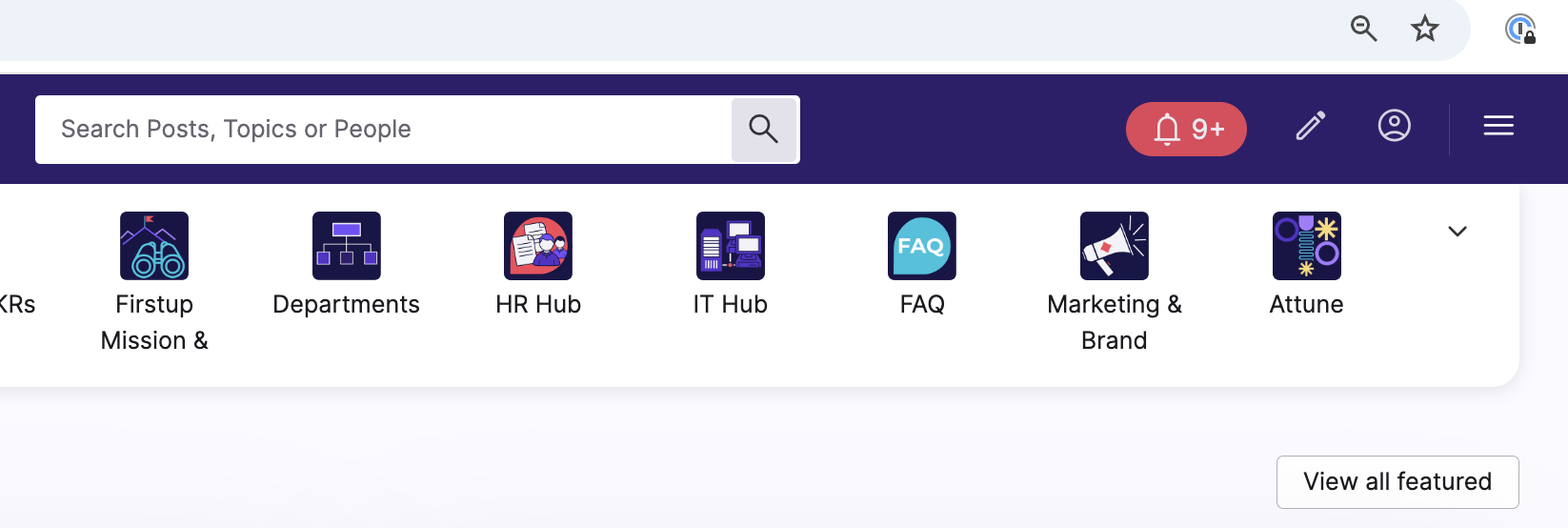
- Front-End: A badge counter shows only unread notifications.
- Back-End: An auto-reminder service fetches unread notifications to re-alert the user.
Example Request
`GET /notificationcenter/notifications?filter.unread=true`
A user, such as a line-manager needs to respond to notifications that require input (e.g., confirming an order, approving PTO request, etc.).
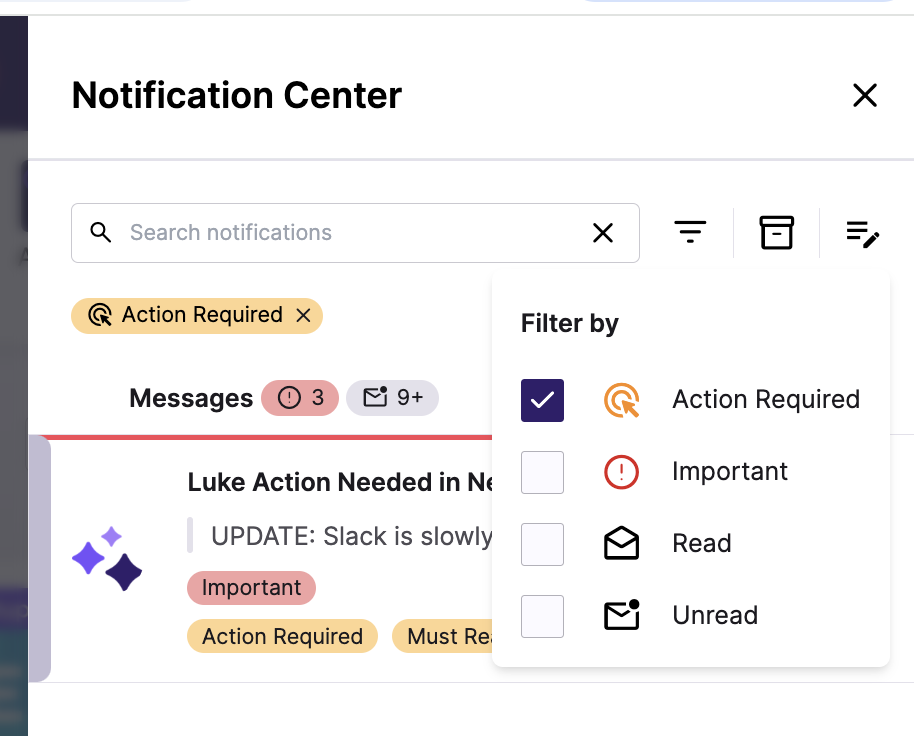
- Front-End: A separate “Needs Action” tab helps users quickly respond.
- Back-End: An automation checks pending notifications and triggers reminder emails.
Example Request
`GET /notificationcenter/notifications?filter.action_required=true`
Campaigns can be marked as important by the content creator or publisher (refer to this article). A user wants to see these important campaigns only.
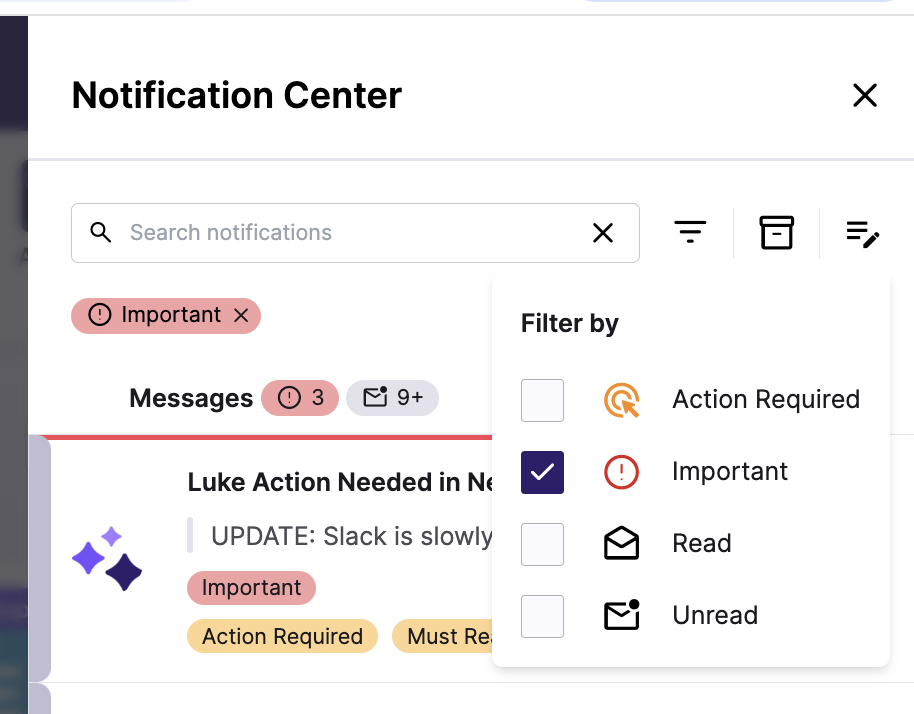
- Front-End: A “Show Important Only” toggle highlights urgent notifications.
- Back-End: A system monitors high-priority alerts for customer service escalation.
Example Request
`GET /notificationcenter/notifications?filter.important=true`
The Notification Center also offers users to place to find their interactions with other users on the platform.
Activity types:
- @mentions in post
- Views on your posts (for both Studio content and user-generated content that you’ve published and set yourself as the author for)
- Third-party integration activity
- Likes on your comments
- Likes on your comment replies
- Replies to your comments
- Comments on your posts
- Likes on your posts
- @mentions in comments
A user wants to browse their activity without cluttering their view.
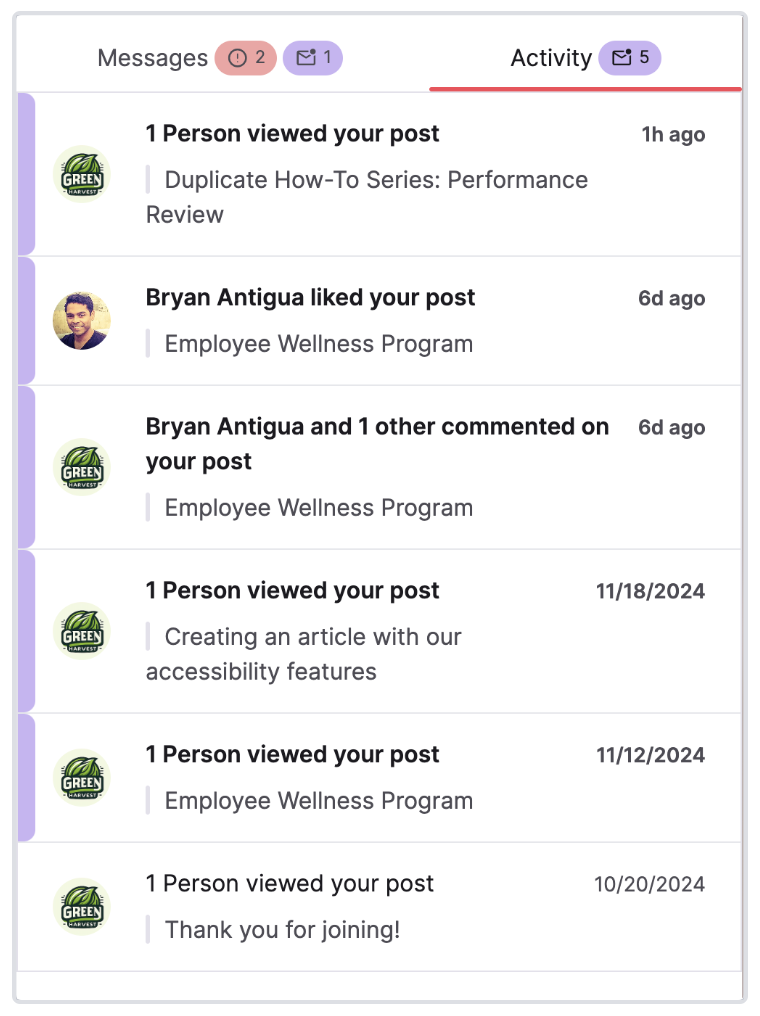
- Front-End: An “Activity” tab filters out Messages.
- Back-End: A system logs which acitivity notifications users engage with for analytics.
Endpoint
Example Request
`GET /notificationcenter/notifications?filter.activity=true`The total notification count uses a separate endpoint.
blurb re why this is good.
Display the total count of notifications with a bell icon in your application.
- Front-End: Responsive updates for users to see their total number of notifications.
- Back-End: Getting this total count without the actual notifications reduces API payload size.
Endpoint
Example Request
`GET /notificationcenter/notifications?filter.activity=true`A user opens the Notification Center and clicks on a notification. Next time the user opens the Notification Center, that notification is marked as read.
- User clicks on Notification Center. Their notifications are listed. This sends a
GETrequest to list their notifications. - The user clicks on a notification in the front-end UI. Clicking this notification passes the
"notification_id". - A
PUTrequest is sent to update the notification as read.
Endpoint
Example Request
`PUT /notification_center/notifications/1/read
Authorization: Bearer <auth_token>
Content-Type: application/json`
Example Response
`  "message": "Notification marked as read",
  "notification_id": 1,
  "acknowledged": true`