Refer to Changelog for the latest version.
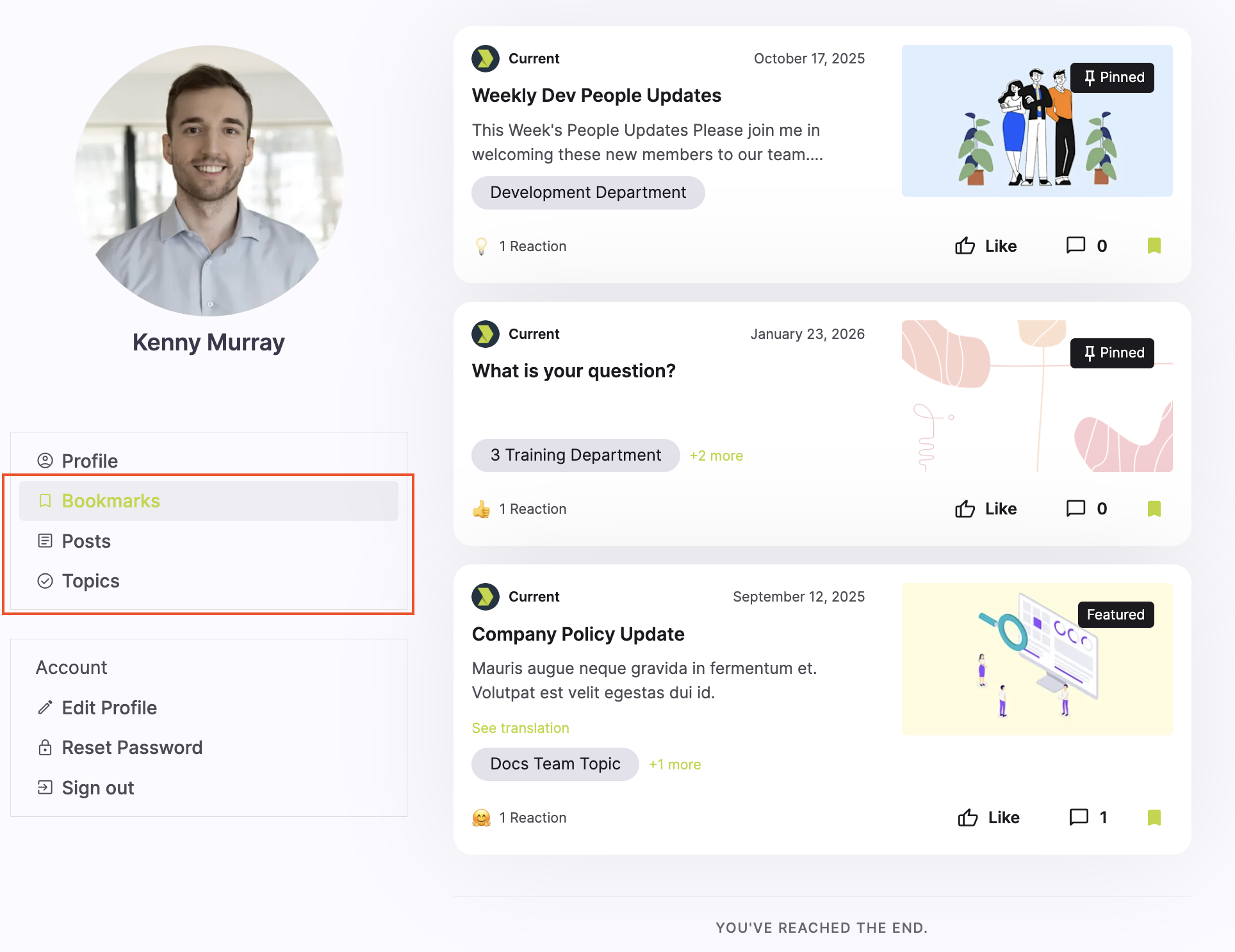
In the Firstup member experience, users can view which posts they've bookmarked, posts they've created themselves, and topics they follow from their user profile. These endpoints allow users to surface this information.
These endpoints are in the Feeds section. They require oauth2_as_a_user with the required scope feeds.read.
| Endpoint |
|---|
| GET /v2/feed/profile/bookmarked Return a user profile's bookmarked posts |
| GET /v2/feed/profile/submitted Return a user profile's submitted content (user generated content) |
| GET /v2/feed/profile/channels Return channels followed by a user profile |
| GET /v2/feed/channels/posts Return a user's feed of posts for channels |
We have added endpoints that gain access to the Direct Data Export function that exists in Firstup Studio.
These endpoints provide programmatic access to Firstup’s batch export files by exposing a REST wrapper around the existing SFTP/S3 export. They enable you to list available export files for a given data type (users, campaigns, activities), retrieve file metadata (including an opaque file identifier and generation timestamp), and obtain a time-limited presigned download URL to securely fetch the compressed export from Firstup’s managed S3 storage.
The API preserves the existing export cadence and operational semantics (batch exports produced on the established schedule, file retention window and lifecycle), and is designed as a pull-based, batch alternative to DDE2’s SFTP delivery.
These endpoints have been added as a new Data Export section. They allow either oauth2_as_a_user or oauth2_as_a_server with the required scope data_exports.read.
| Endpoint |
|---|
| GET /v2/data_exports/type/{type_name}/latest Returns metadata and a presigned download URL for the most recent export file of the specified type within the caller's program. |
| GET /v2/data_exports/type/{type_name} Lists all available export files for a given type. |
| GET /v2/data_exports/type/{type_name}/files/{file_id} Returns metadata and a presigned download URL for a specific export file identified by its file ID. The file ID is obtained from the list exports endpoint. |
For full details on the Direct Data Export feature, including the metadata returned, see our knowledge base article.
Further supporting User Documentation can be found here: Supporting User Documentation
The Content.Channel.Post.Resource now supports the auto_follow_mandatory boolean. This allows users to select whether or not a created (or edited) topic (referred to as channels in the API) is automatically mandatory followed by the selected audience/users or not.
This function sets your topic so new and existing/active users automatically follow the topic. When set to true, existing users in the targeted audience(s) immediately opt in to follow the topic. New users begin following the topic upon registering in the community.
This impacts the following endpoints:
Find our knolwedge base article on topic settings for further detail.
A slight difference to the setting in Creator Studio. The mandatory auto-follow does not allow users to unfollow the topic.